SPECIFICATIONS
Brand Name: aermotor
Choice: yes
Current: 36-60mA
Dimensions: 145X70X27mm
Hardware Version: V410
High-concerned chemical: None
Item Type: Code Readers & Scan Tools
Language: Dutch,English,French,German,Italian,Russian,Spanish
Origin: Mainland China
Software Update: Yes
Software Version: Newest
Voltage: 9-16V
semi_Choice: yes
Why choose the AERMOTOR V410 automatic scanner?
1. No need to connect to a computer or mobile phone
2. Supports 12V gasoline and 12V diesel multiple OBD2 protocols car . Universal scanners works on ALL 1996 and newer vehicles (OBDII & CAN) in USA, Most 2003 after EU (EOBD), 2007 after Asia car brand vehicles, suitable both diesel and gasoline 12V cars.
3. Very comprehensive functions
4. The best choice for home diagnosis
5. Supports Multi-language:
English, German, Italian, Dutch, French, Spanish, Chinese, Russian
6. For beginners, we provide very detailed instructions
7.High Quality and High Resolution LCD display helps you easily to find out the troubles of your car.
8. More powerful than ELM327
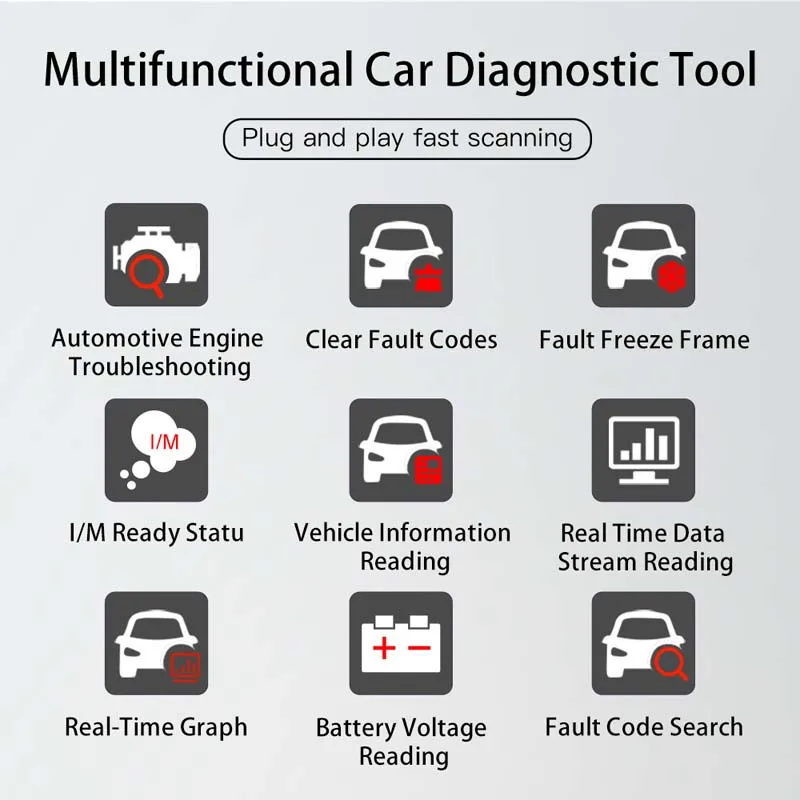
Functions:
1.Support nine OBDII/EOBD standard protocols
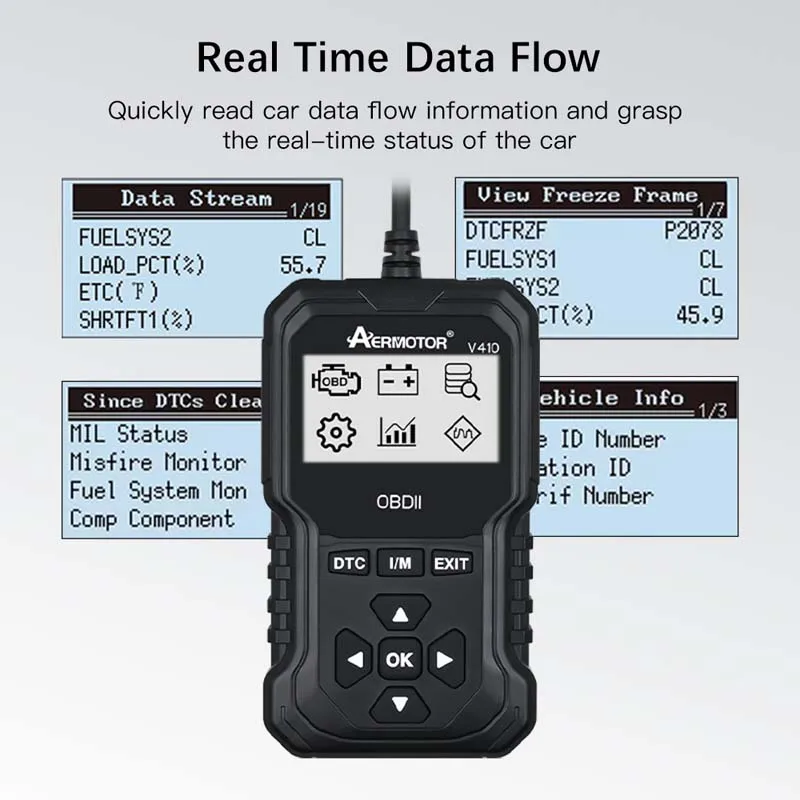
2.Automobile data flow
3.Read the automobile engine fault code
4.Battery voltage reading
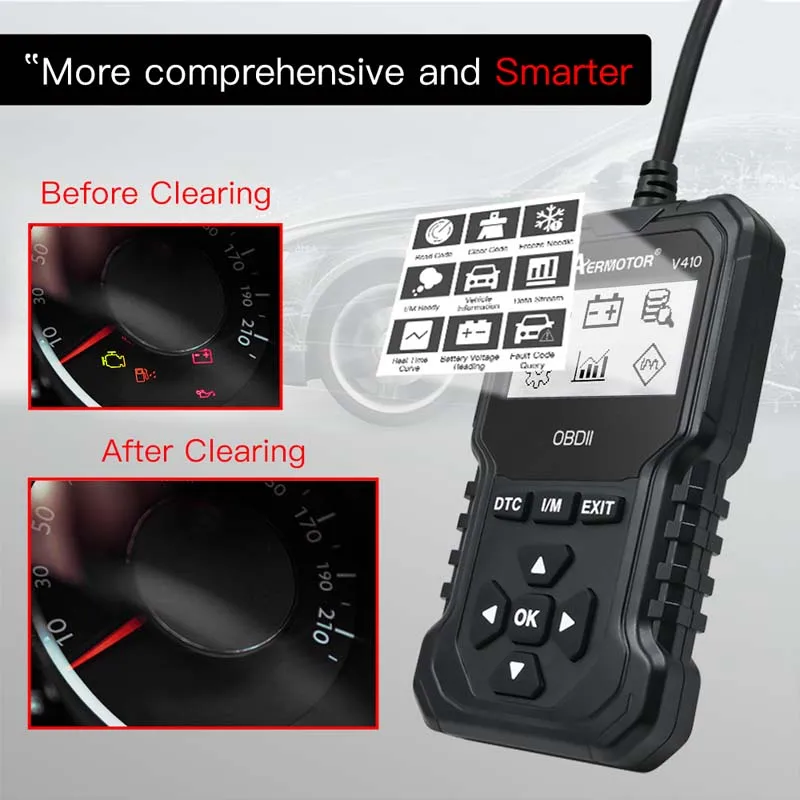
5.Clear engine fault code
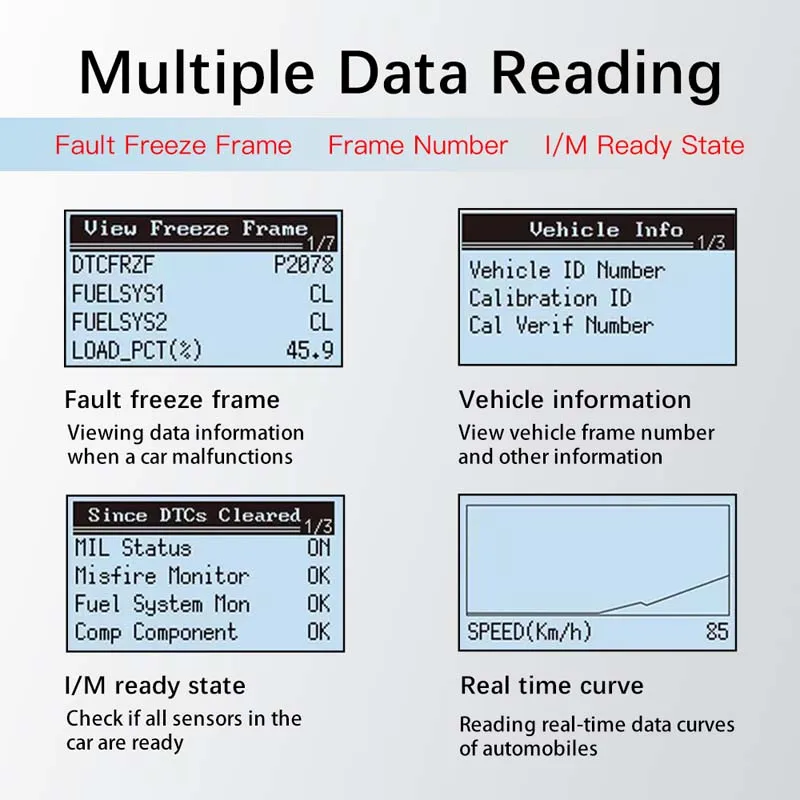
6.Data flow curve
7.Vehicle fault freeze frame
8.Oxygen sensor test
9.I/M ready state
10.EVAP test
11.Read Code
12.Clean Fault
13.Erase Code
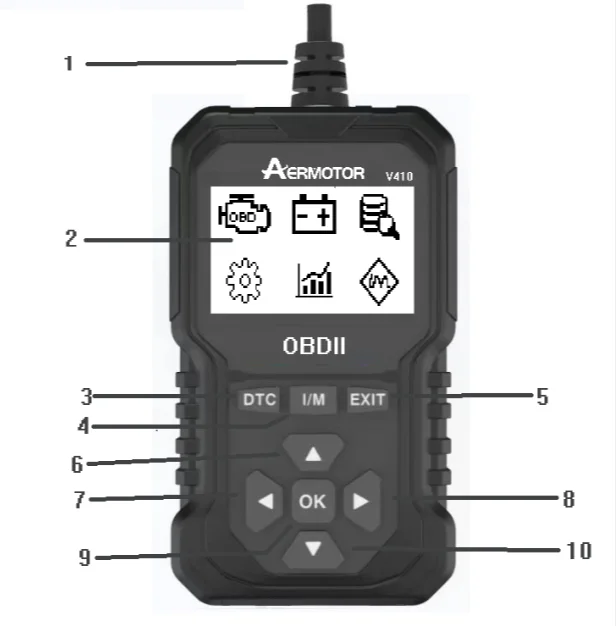
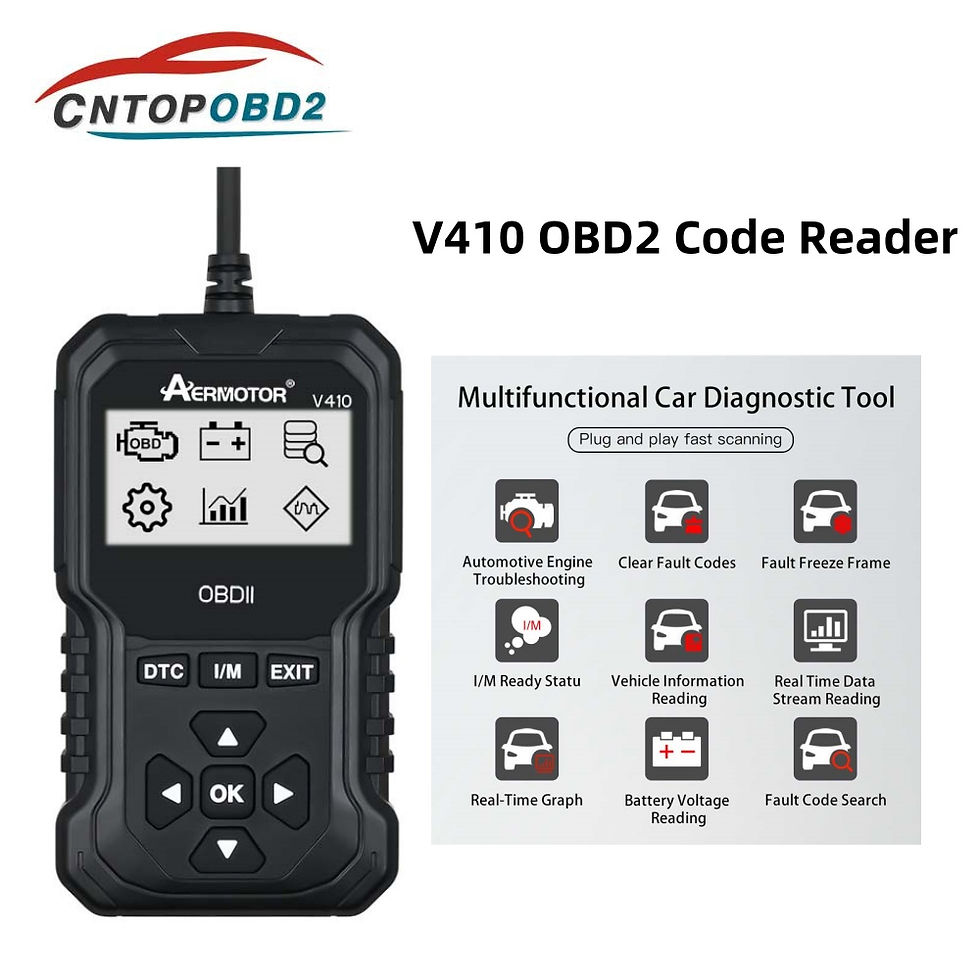
1 — Product connecting line, used to connect vehicle OBD interface
2 — 12864 LCD module
3 — Read Diagnostic Trouble Code quickly
4 — Read I/M reading state quickly
5 — Exit/Back
6 — Up
7 — Left
8 — Right
9 — OK
10 — Down
Support Protocols:
1. SAE J1850 PWM (41.6Kbaud)
2. SAE J1850 VPW (10.4Kbaud)
3. ISO9141-2(5 baud init, 10.4Kbaud)
4. ISO14230-4 KWP (5 baud init, 10.4 Kbaud)
5. ISO14230-4 KWP (fast init, 10.4 Kbaud)
6. ISO15765-4 CAN (11bit ID, 500 Kbaud)
7. ISO15765-4 CAN (29bit ID, 500 Kbaud)
8. ISO15765-4 CAN (11bit ID, 250 Kbaud)
9. ISO15765-4 CAN (29bit ID, 250 Kbaud)
Car inspection menu
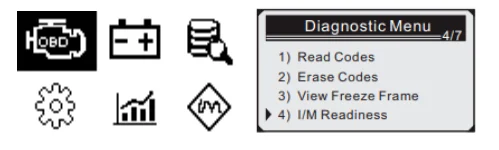
After connecting the vehicle, goto the home page, select the
"OBD/EOBD" menu, press the OK button to enter the test function page, this menu has 9 test functions, you can use the up/downfunction keys to turn pages.
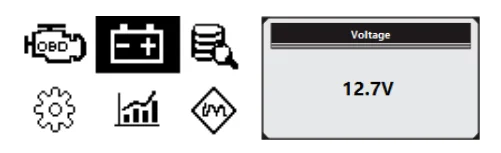
Voltage test
After connecting the vehicle, go to the home page, select the "Voltage" menu, press the OK button to enter the voltage test page, and check the voltage value.
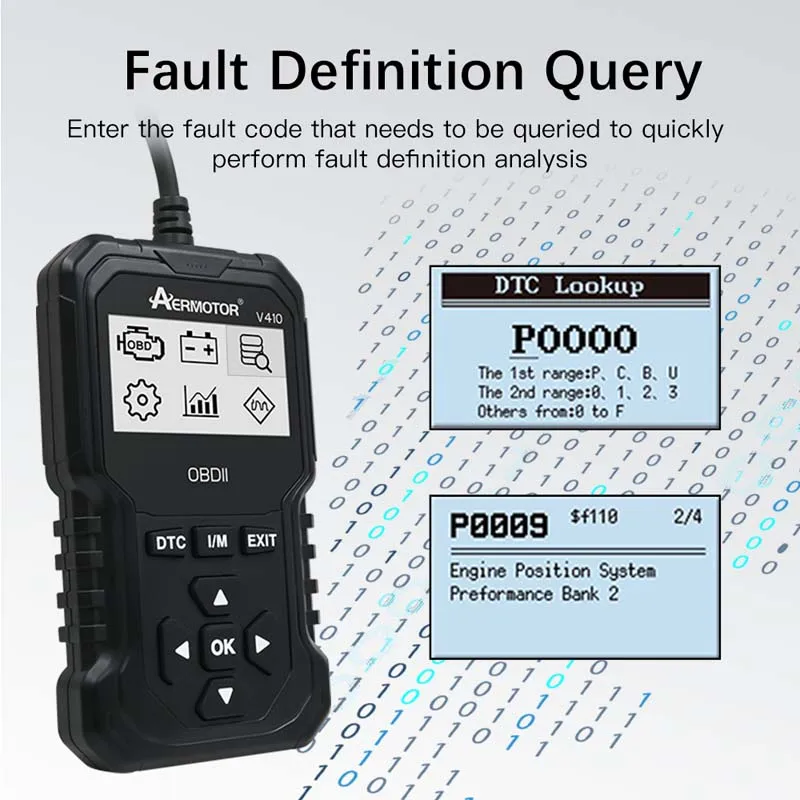
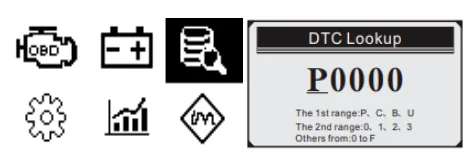
Fault code query
After connecting the vehicle, goto the home page, select the "DTC Lib" menu, press the OK button to enter the fault code query page, support the query of the vehicle fault code, and explain the reason.
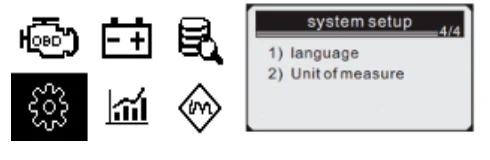
Product settings
After connecting the vehicle, goto the home page, select the "Setup"menu, and press the OK button to enter the setting page. This menu has 2 setting functions, and you can use the up/down function keys to turn pages.
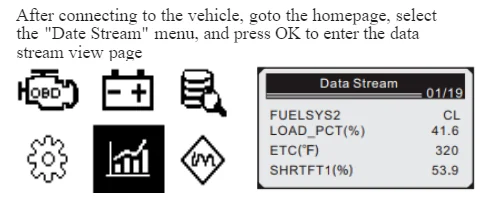
Read data stream
After connecting to the vehicle, goto the homepage, select the "Date Stream" menu, and press OK to enter the data stream view page
I/M reading